How to Keep Backordered Products Visible in WooCommerce
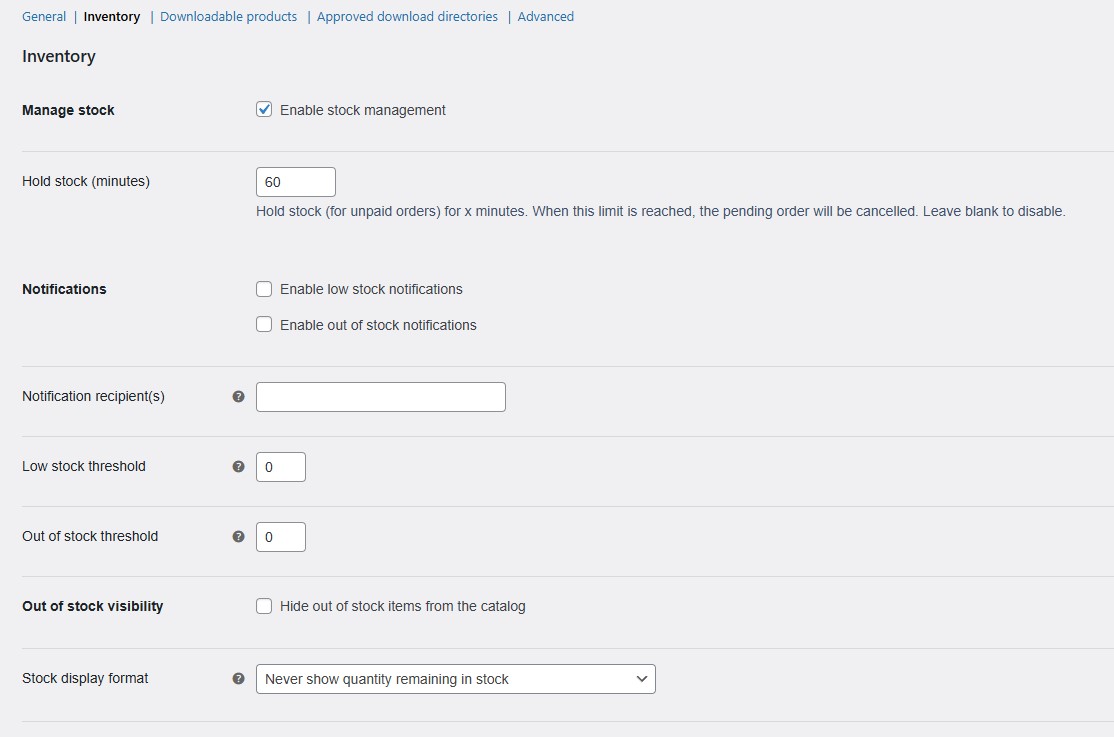
If you allow backorders in WooCommerce, you can still run into a frustrating problem: products with zero stock may disappear from your shop and category pages when out-of-stock items are hidden.
That creates a disconnect between your inventory settings and your storefront. A product may still be available to order on backorder, but if customers cannot find it while browsing, it becomes much harder to sell.
For many stores, that is a real issue. Some products are regularly restocked. Some are made to order. Some are seasonal. Some are popular enough that customers are happy to wait. In all of those cases, hiding the product completely can work against the way the store actually sells.
Why this happens
WooCommerce can treat zero-stock products as out of stock for catalog visibility purposes. That is fine when you want unavailable products removed from browsing, but it is less helpful when certain products should stay visible because you still want customers to order them on backorder.
The result is simple: the product is still part of your sales strategy, but it becomes harder for customers to discover through normal browsing.
Why the usual workaround does not scale
A lot of store owners try to manage this manually. They review product settings one by one, test category pages, check the shop archive, and repeat the process across multiple items.
That may be manageable for a very small catalog, but it becomes difficult to maintain as the store grows. It is especially frustrating when different categories need different rules or when some products should follow the general rule while others should not.
If you are also trying to apply one consistent rule across the store, you may want to read How to Enable Backorders for All Products in WooCommerce
A cleaner way to keep backorderable products visible
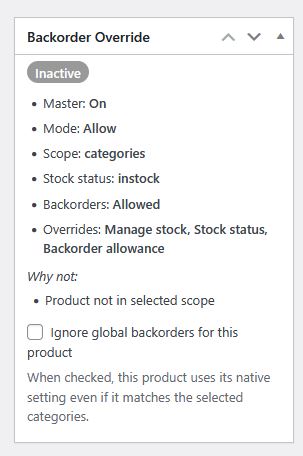
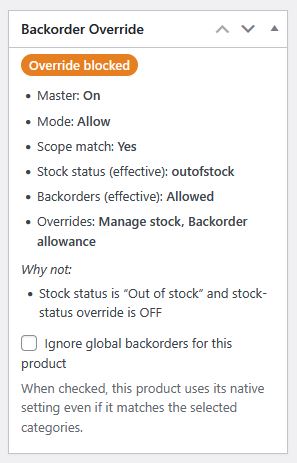
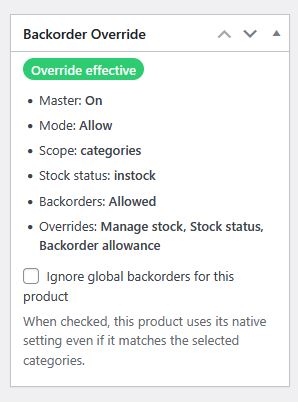
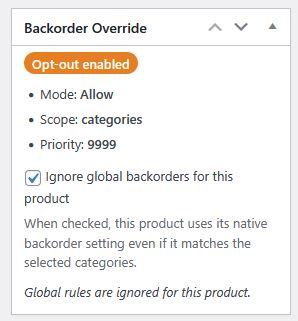
Backorder Manager gives you a cleaner way to control backorder behavior and keep eligible products visible without turning visibility management into a product-by-product task.
Instead of constantly checking individual items, you can manage backorder behavior more consistently and keep qualifying products part of the storefront even when stock reaches zero.
That is especially useful when you want to:
- keep important zero-stock products visible
- continue selling eligible products on backorder
- avoid gaps in shop and category pages
- manage backorder behavior more consistently across your catalog