Backorder Manager for WooCommerce:
Control Backorders Globally or by Category
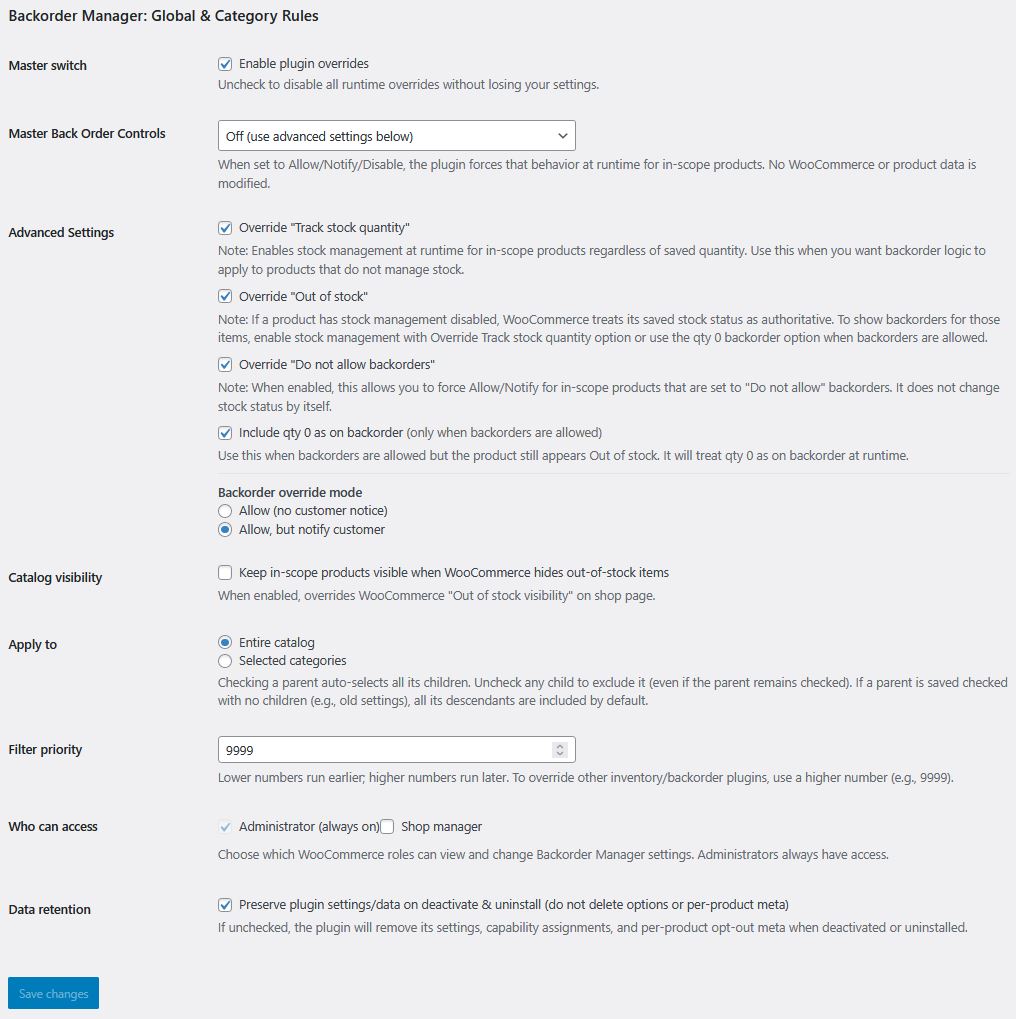
Backorder Manager gives you a cleaner way to control backorders across your WooCommerce store from one settings screen.
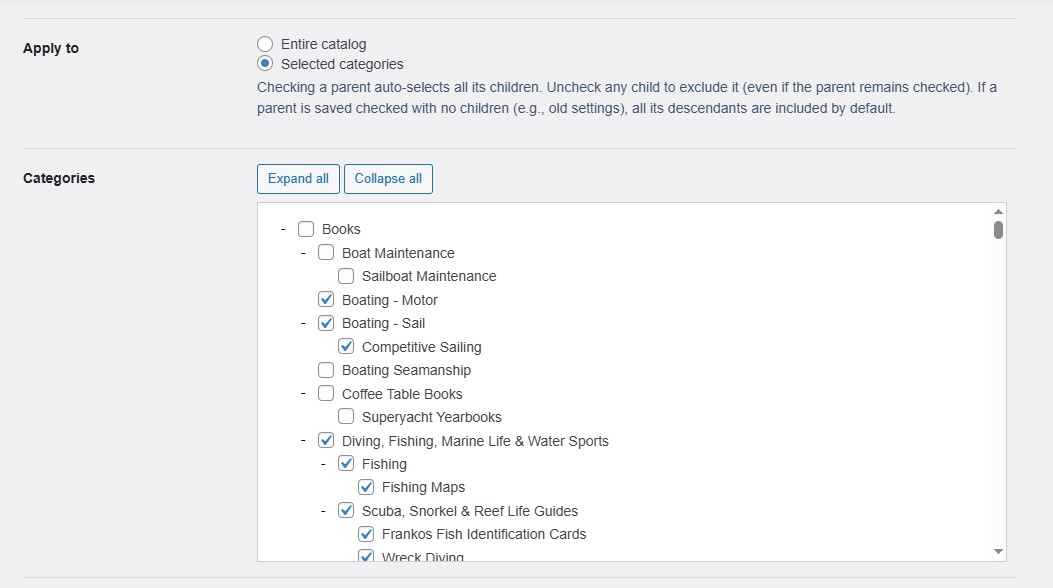
Set a storewide backorder policy, apply rules to selected categories, keep product-level exceptions in place, and keep important products visible without turning backorder management into a product-by-product task.
Get Backorder Control Without the Manual Work
WooCommerce includes native backorder settings, but managing them across a growing catalog can get tedious fast. What starts as a simple stock setting can turn into repeated product edits, inconsistent category behavior, and extra admin work every time your inventory policy changes.
Backorder Manager is built for stores that want more control without more clutter. Instead of opening products one by one, you can manage broader backorder behavior from one place and keep your catalog easier to maintain.
That is especially useful when you want to:
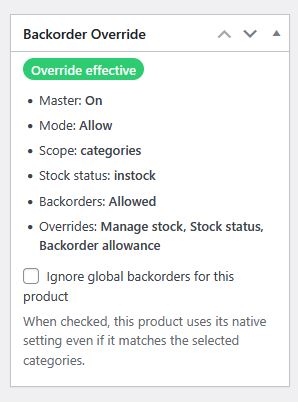
- enable backorders across most or all products
- apply different rules to specific categories
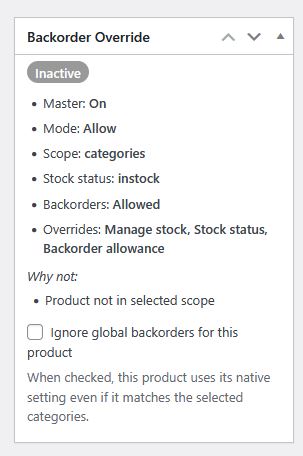
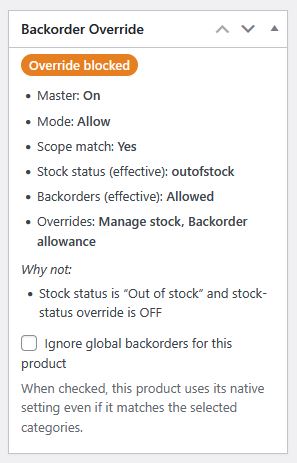
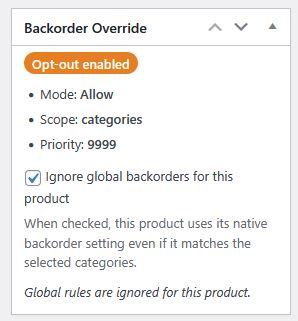
- let certain products stay outside the broader rule
- keep eligible zero-stock products visible
- deal with conflicts caused by other stock or inventory plugins